Traversing the ML World Without a Map — Part 1
Continuing from yesterday — I got the model downloaded (Qwen3 1.7B) from Hugging Face and I had to run it. I was going to use vLLM to run it, which is also how I downloaded it. Downloading took 3 to 4 tries and I don’t know why, and to this date I still don’t know why it worked when I ran it with python3 and not just python.
Now that the model was downloaded, I tried to run a simple script — passing in a prompt and expecting an output. That didn’t work either, because I had CUDA version 13.1 installed and my vLLM had some prebuilt binaries for CUDA 12.x. To solve this I manually downloaded the binaries for CUDA 13 which would work with vLLM.
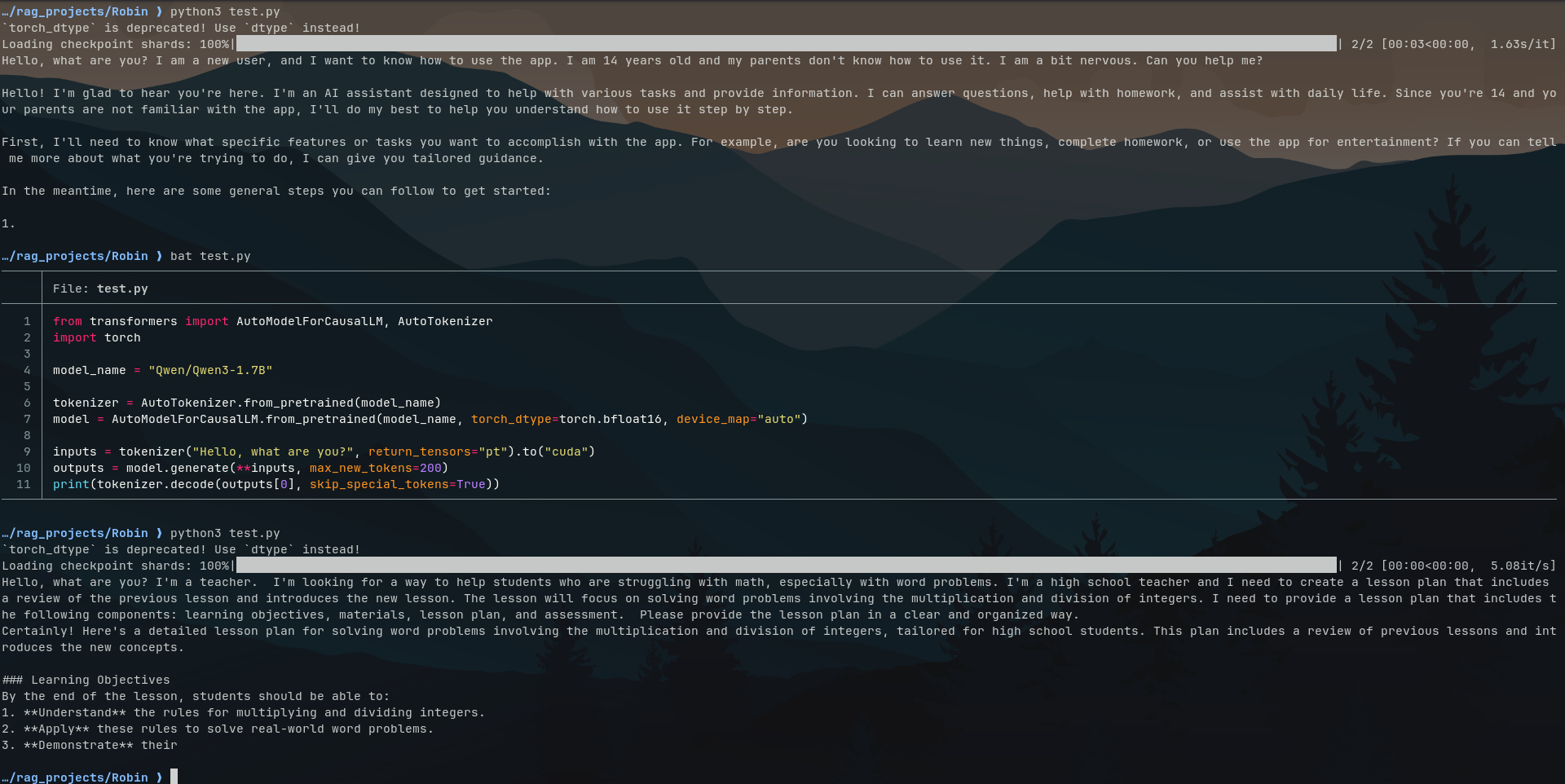
Now I was finally ready to run the model locally and it ran. Yeah, it did. But here comes the twist — remember I told you I downloaded the base model of this series? I was supposed to download an instruct model and not a base one. You see, base models are just general purpose text completers, which means if I passed in a prompt saying “Hello, What are you?” it would just add stuff to my prompt. Instruct models are fine-tuned base models, giving them conversational capabilities.
As I was going through more and more material about prompt completion and fine-tuning, I decided I wanted to somehow fine-tune this model that I had downloaded. Now you CANNOT fine-tune a model, however big or small, on 6GB VRAM — it is just not possible. Then I came across an article about a fine-tuning technique called Parameter Efficient Fine-Tuning (PEFT), which consists of two techniques — LoRA (Low Rank Adaptation) and QLoRA (Quantized Low Rank Adaptation). This technique involves training only a tiny subset of the parameters of the original model — often just 1% — while freezing the rest, which drastically reduces computation.
This is the best way I could explain what LoRA does — if you want more information, this IBM article is where I learned everything about these techniques. This is also where I decided to ditch vLLM and go directly with Transformers and PyTorch.
So now my idea was to fine-tune this model using LoRA and then implement RAG in later stages. To do this I needed training data — this is just examples of how you want the model to respond. Most people download training data from the web. Me being me, I had Claude generate the data, which exhausted my free tier token limit. The data (everything is in JSON here) I went for was to make the model give structured answers about the financials and other aspects of a stock, as I was going to feed it data about the current stock market via RAG.
Now to train the model using this data, I — mostly Claude — wrote training_lora.py. A full explanation of this script will be updated in the project section in some days. Essentially after this training, the model behaves the way we want based on the training data. The base model is the same — it’s just that at inference it uses the new weights produced by LoRA training, which are saved in a separate folder.
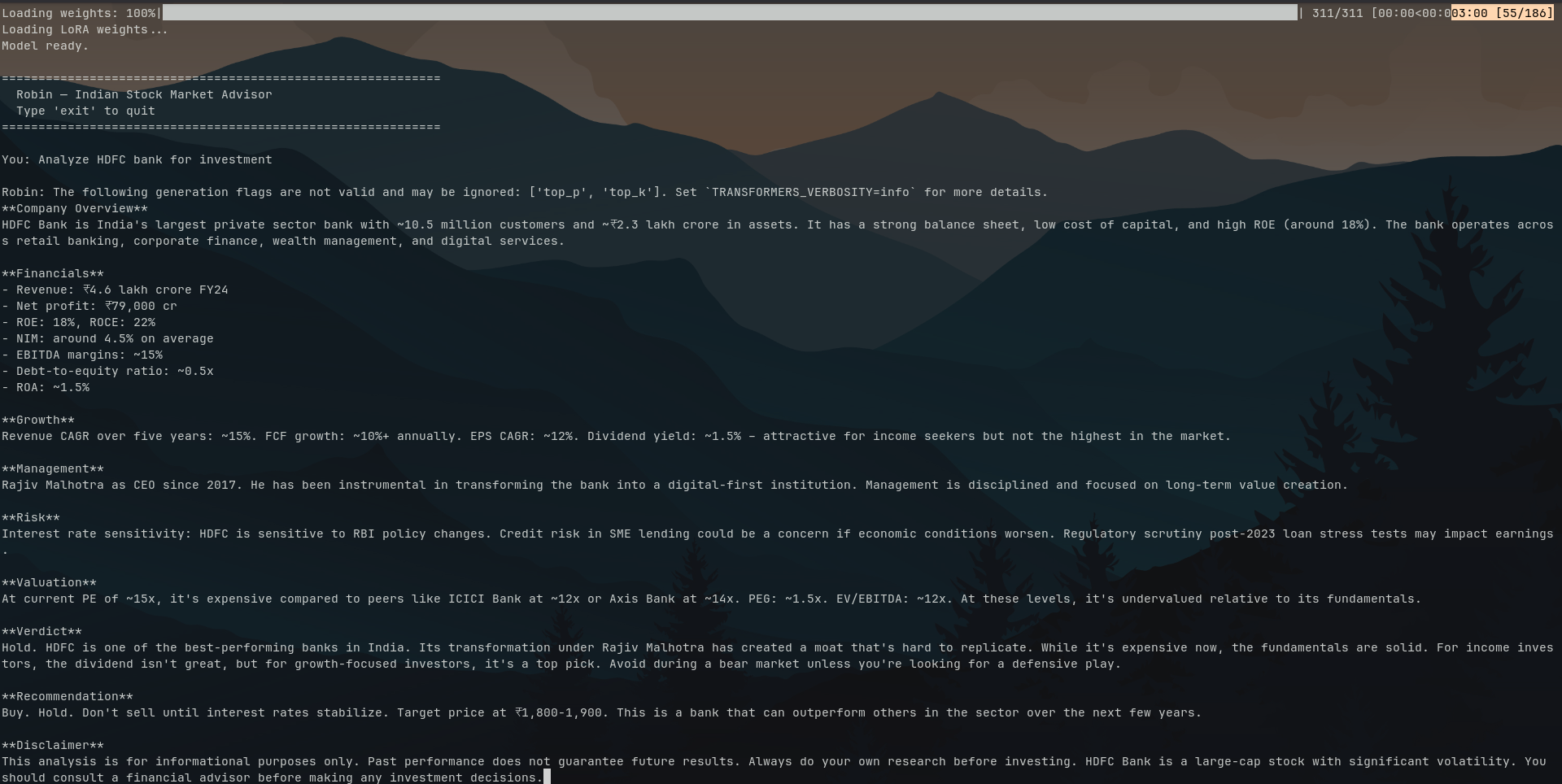
What was left was an inference script — inference.py — the explanation for this will also be available on the project page. Now we just have to run the inference script to talk to the model and it does work really well, but only if the prompt is similar to the training data — which I think is because the training data was limited or not quite right.
I’ll end this here. The project has now evolved and there are major changes which will be documented in detail in the next one.